Stay organized
Keep customer details, appointments, job notes, and photos together. Find the context you need when a customer calls.
For small contractors and home service businesses.
FieldNexo helps you manage your customers, schedules, estimates, and invoices together in one easy-to-use app—on your phone or desktop.
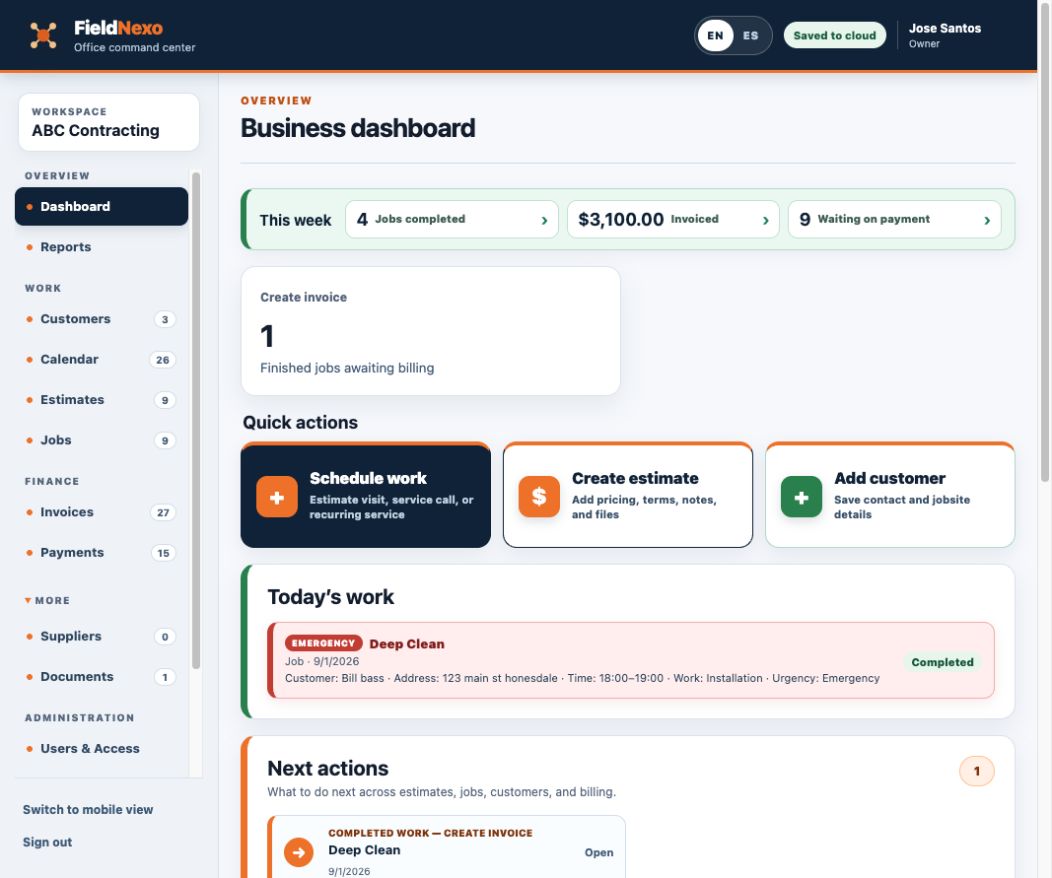
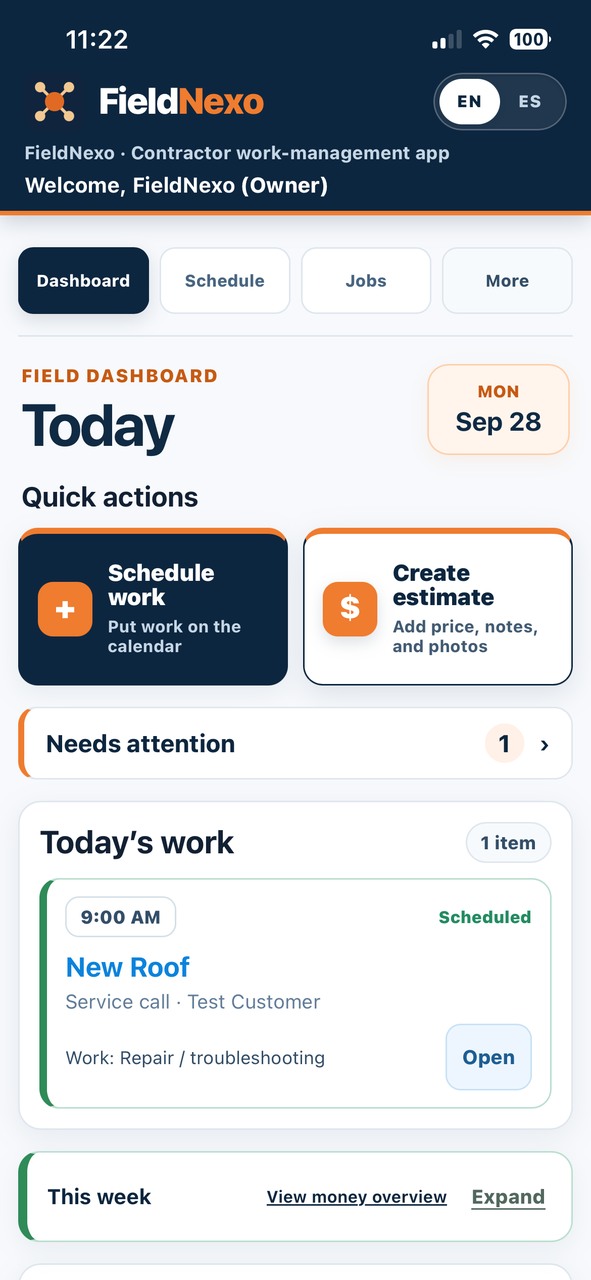
Access it on your phone, tablet, or office computer. Manage your company’s work and customers in the field or in the office.
Browser access
Use the FieldNexo web app in your browser on a phone, tablet, Mac, or Windows computer.
Downloadable apps
iOS and Android apps are in preparation, not publicly available yet. Use a browser on Mac or Windows; downloadable desktop apps are deferred.
In the field
See today’s appointments and jobs before you head out.
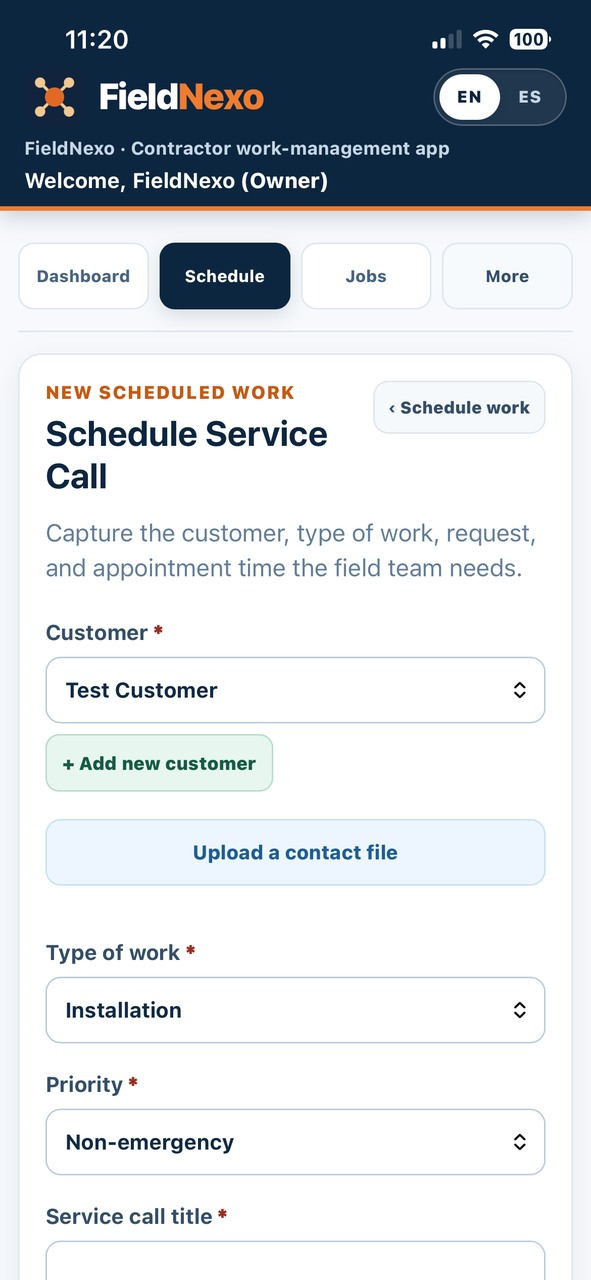
Keep the customer, visit details, and assigned team member together.
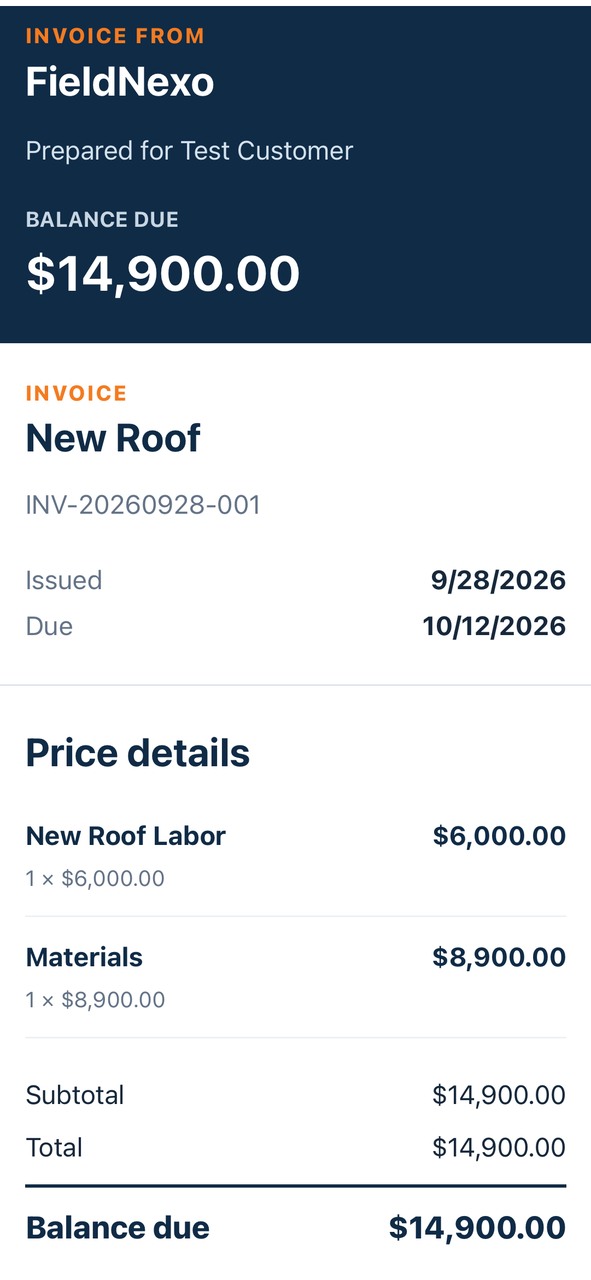
Review completed work, prepare the invoice, and share it with your customer.
In the office
FieldNexo starts with the work in the field. When you want more room, open the same customers, schedule, jobs, estimates, invoices, and payments on a computer.
Built around your workday
Keep customer details, appointments, job notes, and photos together. Find the context you need when a customer calls.
Share clear estimates, appointment confirmations, and invoices. Review the prepared message before sending it to your customer.
Turn an approved estimate into scheduled work, review what is ready to invoice, and record payments as they arrive.
Work from your phone or open the same workspace in the office. Choose English or Spanish for your own screen.
Two languages
Every screen, every button, and the in-app guide are built in both languages. Anyone on the account can work in either one, and changing your language never changes anyone else's screen.
One app. One account. One bill.
Your customers too. Mark a customer as Spanish and their estimates and invoices go out in Spanish. What you type — names, notes, line items — stays exactly as you wrote it.
No signal
Sign in while connected so the phone can save a limited copy of recent work you can access. That copy can be reopened without a connection for up to 12 hours after it was saved.
Supported notes, completion steps, and text updates wait on the phone and send when access returns. Some updates may need you to sign in again or resolve a conflict.
Photos and files require a connection to upload.
Your kind of work
Plumbing · HVAC · electrical · appliance repair
Today's call, and what you did there last time.
Landscaping · cleaning · pools · pest control
Keep weekly, every-other-week, and monthly visits on the schedule.
Carpentry · painting · remodeling · flooring · roofing · subcontracting
Estimate to job, with the photos attached.
Control
Your customer list is worth money. Download all of it whenever you want, in files that open anywhere. Delete it when you decide.
Where we are today
FieldNexo is live in the browser, with public signup, a 14-day free trial, and monthly subscriptions.
The browser app is open now. Create your owner account and business workspace to begin a 14-day free trial with no payment card required. Mobile app coming soon.
Start today
Create your owner account and try the complete browser app free for 14 days. No payment card is required to start.
Already have an account? Sign in.
Questions about getting started? welcome@fieldnexo.app